In my last post on accessing a kdb+ server from spring, we configured Spring to listen to a kdb+ gateway via jdbc. One drawback of using jdbc is queries will now have to be written as single-line sql strings to match the type of JdbcTemplate query arguments. This strips away some advantages c.java style querying has. In this post we’ll go over a way to use the native kdb executor method in spring jdbc so that we can use c.java style queries and at the same time retain some advantages of jdbc, such as, simple connection configuration, effortless connection management etc.
Let’s take an example. In a trading system, quotes data is periodically updated with new of snapshots received from exchanges. Let’s make a barebones kdb quote store server. We will define a simple bid-ask quote table and a upd function to insert list of records into it. The update time will also be recorded along with the new values.
/q/server.q:
1
2
3
4
5
6
7
8
quote:flip`time`sym`bid`ask!()upd:{[arg]t:arg[0];/savesthetablenametotx:arg[1];/savesthedatareceivedtoxz:(countx)#.z.T; /creates a list with current time (time of receiving x)
tinsert(enlistz),flipx;/inserttimeanddataintot}
kdb Server
First let’s start the server. The java client will connect to it over TCP port 7000.
Within the code of jdbc.jar you will find that the connection to kdb gateway is handled by the sub-class co and in that class there is pretty interesting method which is actually managing executing JdbcTemplte’s query calls.
1
2
3
4
5
6
7
8
public Object ex(String s,Object[]p)throws SQLException{try{return 0<c.n(p)?c.k(s,p):c.k(".o.ex",s.toCharArray());}catch(Exception e){
q(e);returnnull;}}
So, If h is a handle of a kdb gateway ex(String arg0,Object[] arg1) is essentially equivalent to running the following kdb command:
1
q) h "{value of arg0} {value of arg1}"
To run a kdb function using ex you need to pass the function’s name to arg0, and all the required arguments for that function as a list to arg1. For example, arguments for ex to run the q expression count (`SYM;99.0;101.0) is:
1
2
3
// conn is the connection object
Long ret =(Long) conn.ex("count",new Object[]{"SYM",new Double(99),new Double(101)});
System.out.print(ret);
Extracting the underlying co object from jdbcTemplate
JdbcTemplate uses org.apache.tomcat.jdbc.pool.PooledConnection to manage connections. So we need to get a connection from the pool and then extract the co connection object within. Be careful to use try-with-resources with the pooled connection, because then at the end of the statement the underlying kdb connection will be returned to the pool and it will be reused in the next loops.
1
2
Connection c = jdbcTemplate.getDataSource().getConnection()
co conn =(co) c.getMetaData().getConnection();
I am using the jdbc.jar from kx site, in which, for some reason, the jdbc class resides in a default package. That means we cannot import jdbc with an import statement. We’ll have to use reflection to get a handle to the ex method and invoke that. The class co is inside jdbc class, so the fully qualified name for it would be jdbc$co.
We’ll make an CLI application by implementing CommandLineRunner interface.
We are going to connect to the gateway and use the upd function defined in server.q to insert records into quote. For this example, I’ll create dummy datafeed using a list of price and stocks (example below) and randomizing it a bit to create bid/ask columns.
Suppose in a query you need to concatenate two kdb columns into one; for example, to join date and time into one field - kdb has nifty features to do it easily.
You can join(,) two or more column into one using '(each-both). The columns do not need to be of the same type. The type of the returned column is list.
1
2
3
4
5
6
7
8
9
10
11
12
13
14
15
16
q)tab:([]firstname:`John`Jia`Jai`Jac;lastname:`James`Jain`Jadeja`Jones;age:1+4?30)q)tabfirstnamelastnameage----------------------
John James 19
JiaJain24JaiJadeja25JacJones19q)q)selectname:(firstname,'lastname) from tab
name
----------
John James
Jia Jain
Jai Jadeja
Jac Jones
A mixed list is formed if the columns are of different type. If you cast the columns to string before each-both join, a concatenated string is formed. You can also insert a character using ,'.
1
2
3
4
5
6
7
q)select col:((string firstname),'(string lastname),'"/",'(string age)) from tab
col
--------------
"JohnJames/19"
"JiaJain/24"
"JaiJadeja/25"
"JacJones/19"
If you need multi character delimiters, use sv. A nice advantage of this method is you don’t have to individually convert each column to string.
1
2
3
4
5
6
7
q)select col:({"--" sv x} each string (firstname,'lastname,'age)) from tab
col
-----------------
"John--James--19"
"Jia--Jain--24"
"Jai--Jadeja--25"
"Jac--Jones--19"
To add a string as prefix and postfix to a column, you can use /:(each right) and \:(each left) respectively.
q)select ("Dear ",/:(string firstname)) from tab
firstname
-----------
"Dear John"
"Dear Jia"
"Dear Jai"
"Dear Jac"
q)select ((string age),\:" years") from tab
x
----------
"19 years"
"24 years"
"25 years"
"19 years"
q)select col:((string firstname),'(string lastname),'"/Age",/:(string age)) from tab
col
--------------
"JohnJames/Age19"
"JiaJain/Age24"
"JaiJadeja/Age25"
"JacJones/Age19"
Lets conclude by creating a JavaScript style array by joining all three columns.
1
2
3
4
5
6
7
q)select ("['",/:(({"','" sv x} each string (firstname,'lastname,'age)),\:"']")) from tab
x
-----------------------
"['John','James','19']"
"['Jia','Jain','24']"
"['Jai','Jadeja','25']"
"['Jac','Jones','19']"
The classic way to access a kdb server from java is via the c class. The jdbc implementation makes it easy to interface with a kdb database providing higher level methods to establish a database connection, parse the returned object. One drawback is that it does not support retrieving result that is not a table. Let’s go over a short guide on how to use jdbc to connect to kdb.
kdb Server
First let’s start a kdb process to which the java client will connect over TCP port 7000. You can choose any port you like.
We are going to use Spring Boot with jdbc starter. Spring boot further simplifies the code by configuring Spring automatically wherever possible. spring-boot-starter-jdbc provides support for jdbc.
<?xml version="1.0" encoding="UTF-8"?><projectxmlns="http://maven.apache.org/POM/4.0.0"xmlns:xsi="http://www.w3.org/2001/XMLSchema-instance"xsi:schemaLocation="http://maven.apache.org/POM/4.0.0
http://maven.apache.org/xsd/maven-4.0.0.xsd"><modelVersion>4.0.0</modelVersion><groupId>com.example</groupId><artifactId>spring-kdb</artifactId><version>0.0.1-SNAPSHOT</version><packaging>jar</packaging><name>spring-kdb</name><description>Demo project for Spring kdb Integration</description><parent><groupId>org.springframework.boot</groupId><artifactId>spring-boot-starter-parent</artifactId><version>1.3.3.RELEASE</version><relativePath/><!-- lookup parent from repository --></parent><properties><project.build.sourceEncoding>UTF-8</project.build.sourceEncoding><java.version>1.8</java.version></properties><dependencies><dependency><groupId>org.springframework.boot</groupId><artifactId>spring-boot-starter-jdbc</artifactId></dependency><dependency><groupId>org.springframework.boot</groupId><artifactId>spring-boot-starter-test</artifactId><scope>test</scope></dependency></dependencies><build><plugins><plugin><groupId>org.springframework.boot</groupId><artifactId>spring-boot-maven-plugin</artifactId></plugin></plugins></build></project>
Configuring Datasource
The jdbc driver for kdb not available in maven. It can be downloaded from kx repository. You can add it as a build dependency or add to your local maven repo and use it as a maven dependency. I am going to use the first approach.
Configure the driver class name and server URL in the application.properties file.
Spring boot will automatically configure the datasource class from the application.properties and you can use @Autowired annotation to pass it to a jdbcTemplate.
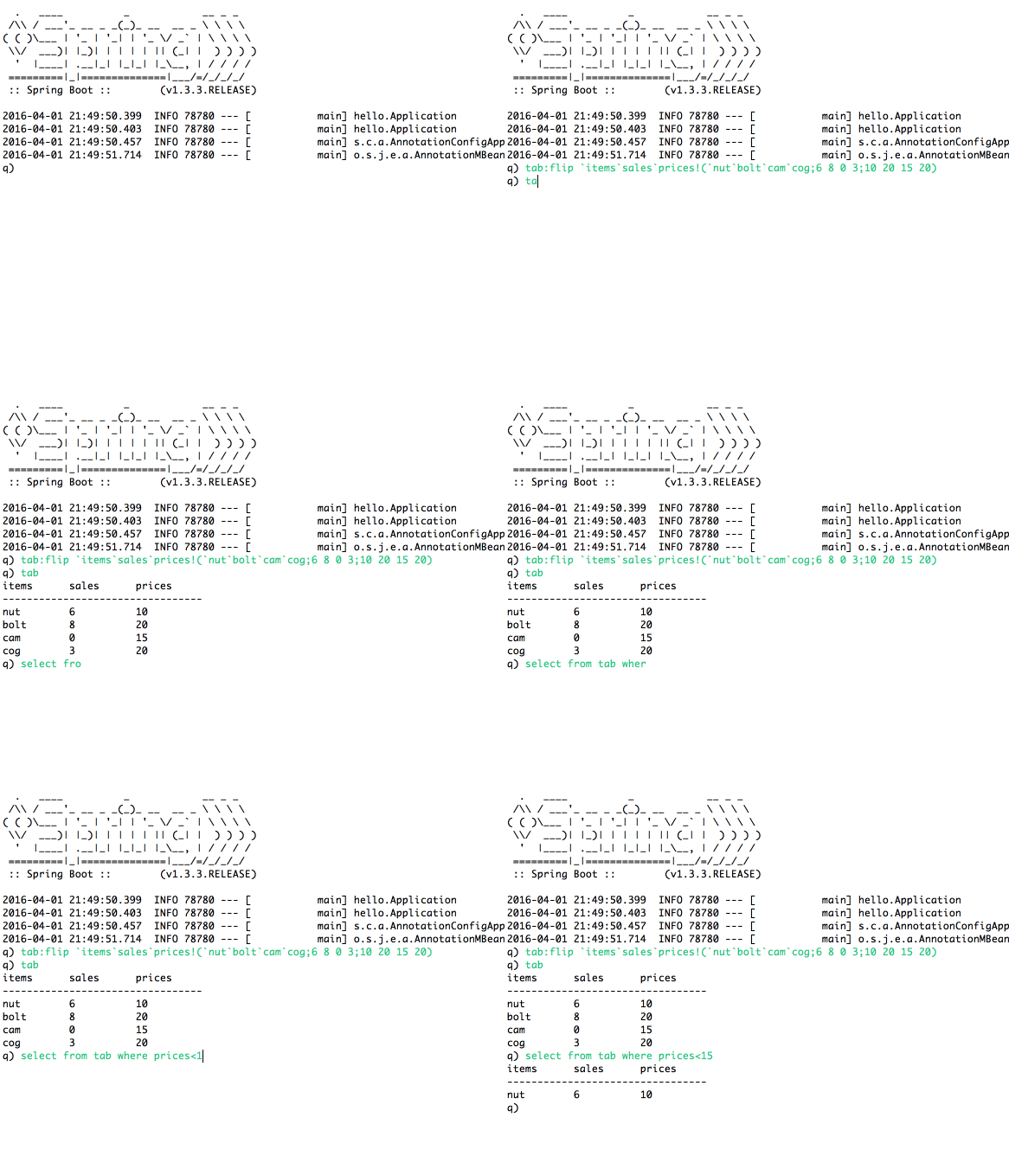
We are using RowCallbackHandler as we shall be processing the rows immediately. You can do away with all the SQL cuteness and run q statements directly by prefixing q statements with q). All the exceptions from the jdbc class are thrown as runtime exceptions. An SQLException is generated if execution of the query fails. Apart from that NullPointerException is generated if a statement returns nothing upon execution such as assignment expressions somevar:10; and ClassCastException is thrown if you try to retrieve anything other than a table. Here I am handling only the SQLExceptions and masking all the others - which generally is not a good practice.
You need to first start the kdb server. You can run the client within eclipse or as a jar: